CarSimulator2D
A downloadable game for Windows
🚗 Car Simulator 2D – Can You Drive Like a Pro?
*A new autopilot update with more feature will be added to the game in september 2025*
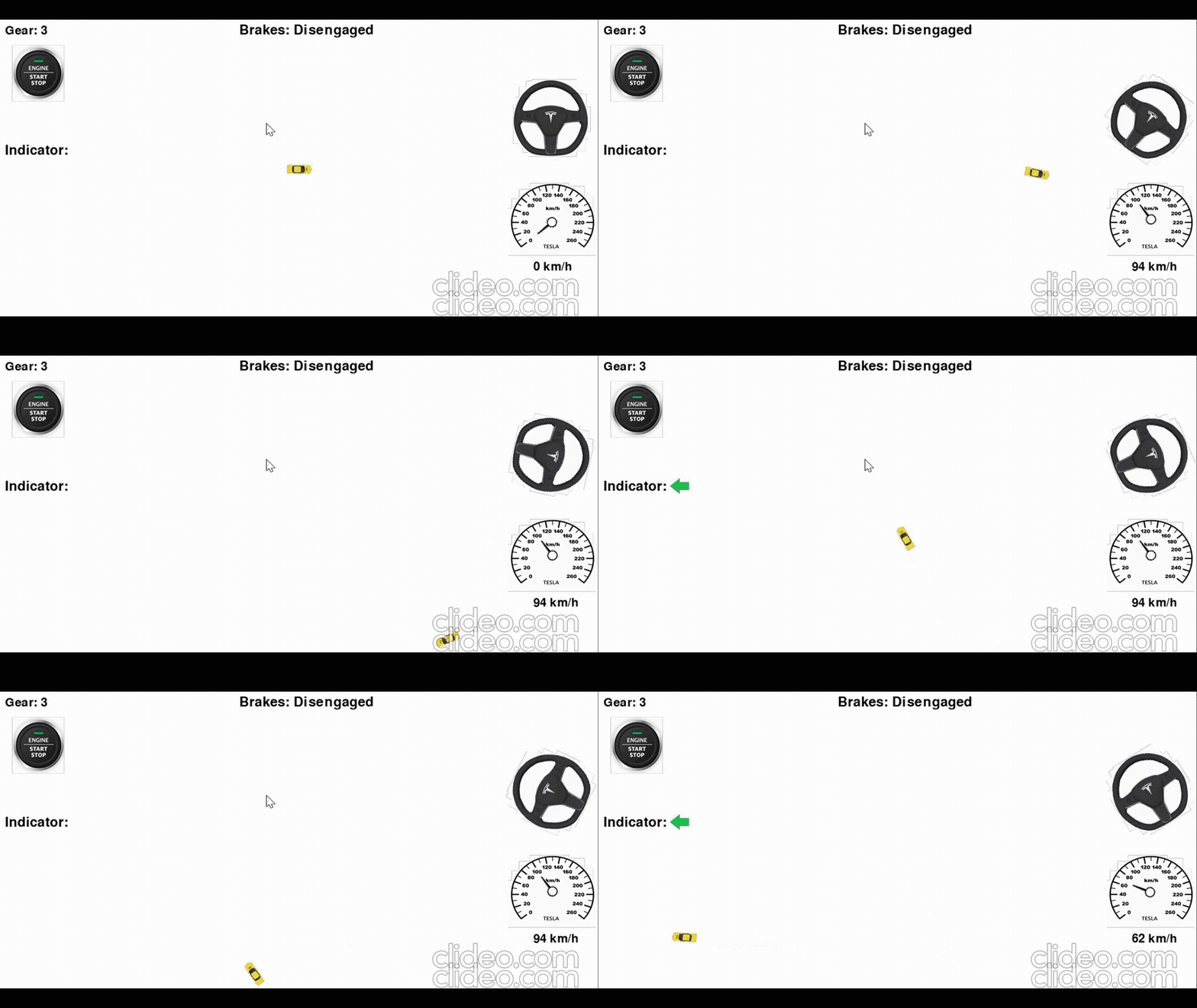
Welcome to Car Simulator 2D — a unique driving experience where you’re in total control. This isn’t just about holding down the gas — it's about manual shifting, indicator signals, careful steering, and actually driving like it matters.
🔧 Key Features:
-
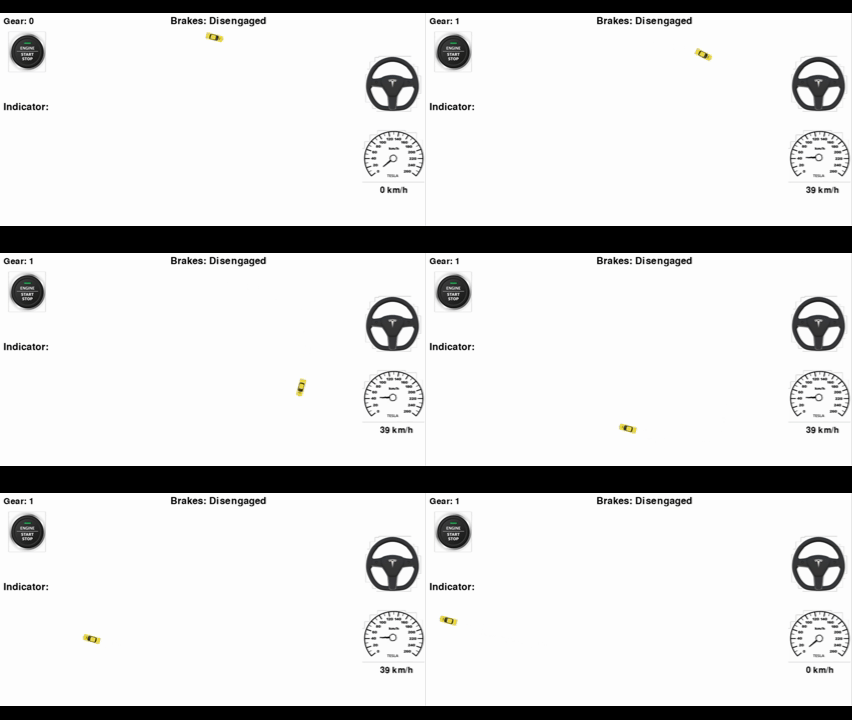
Realistic Gear Shifting
Go from neutral to 1st, 2nd, reverse — and don’t forget to shift at the right moment or your engine will protest! -
Precision-Based Controls
Master smooth turning, accurate acceleration, and controlled braking. Every move counts, just like on a real road. -
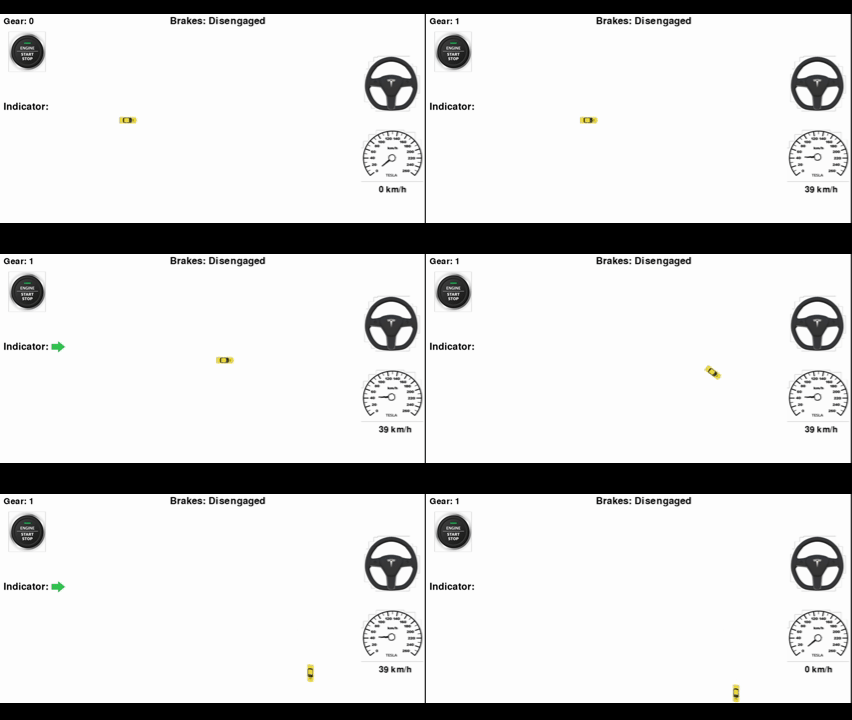
Indicator System
Use your left and right indicators (or hazards!) like a responsible driver… or just for style points 😎 -
Functional UI
A clean, intuitive dashboard shows your speed, gear, engine status, and turn signals. Feels like you're behind the wheel! -
No Racing. Just Skill.
This isn’t a race — it’s a test of how well you understand driving mechanics in a simplified 2D space.
👨🔧 Why Play?
Car Simulator 2D is perfect for:
-
Players who love realistic driving mechanics
-
Tinkerers who want to control every little thing
-
Anyone looking for a chill, skill-based game to master
It’s not about flashy graphics — it’s about real, tactile driving control.
Get it right, and you’ll feel like a pro. Get it wrong… and you’ll stall, drift off, or mess up that smooth ride.
🕹️ Ready to take control?
🔻 Download now and prove you’ve got the skills to drive like a real-world master — indicators, gears, and all!
Purchase
In order to download this game you must purchase it at or above the minimum price of $1 USD. You will get access to the following files:
Development log
- Car Simulator 2 New update coming!!!!68 days ago
- 🛣️🤖#Early Autopilot System Added —review's and suggestions⚙️!Nov 17, 2025
- 🛣️🤖#CarSimulator2D's update is out — go check it out⚙️!Oct 17, 2025
- #🚗⚙️Release date for Car Simulator 2d #Launch dateSep 08, 2025
- 🍎Want a Mac version of CarSimulator2D? 🎮Jul 17, 2025
- ⬅️➡️ Turn Signals In for the Autopilot, #MajourJulyUpdate🤖🚗⚙️Jul 17, 2025
- 🛣️🤖#Early Autopilot System Added — Coming in July update⚙️!Jul 01, 2025
- 🔥 Car Simulator 2D – Huge New Features Coming by July 🚗!Jun 25, 2025
Comments
Log in with itch.io to leave a comment.
cannot play, the keys do not work
Hi! Thanks for trying my 2D car simulator.
I really appreciate you letting me know about the flaw since it’s my first game.
I’m going to fix the controls within 9–10 hours. Thanks for your patience!
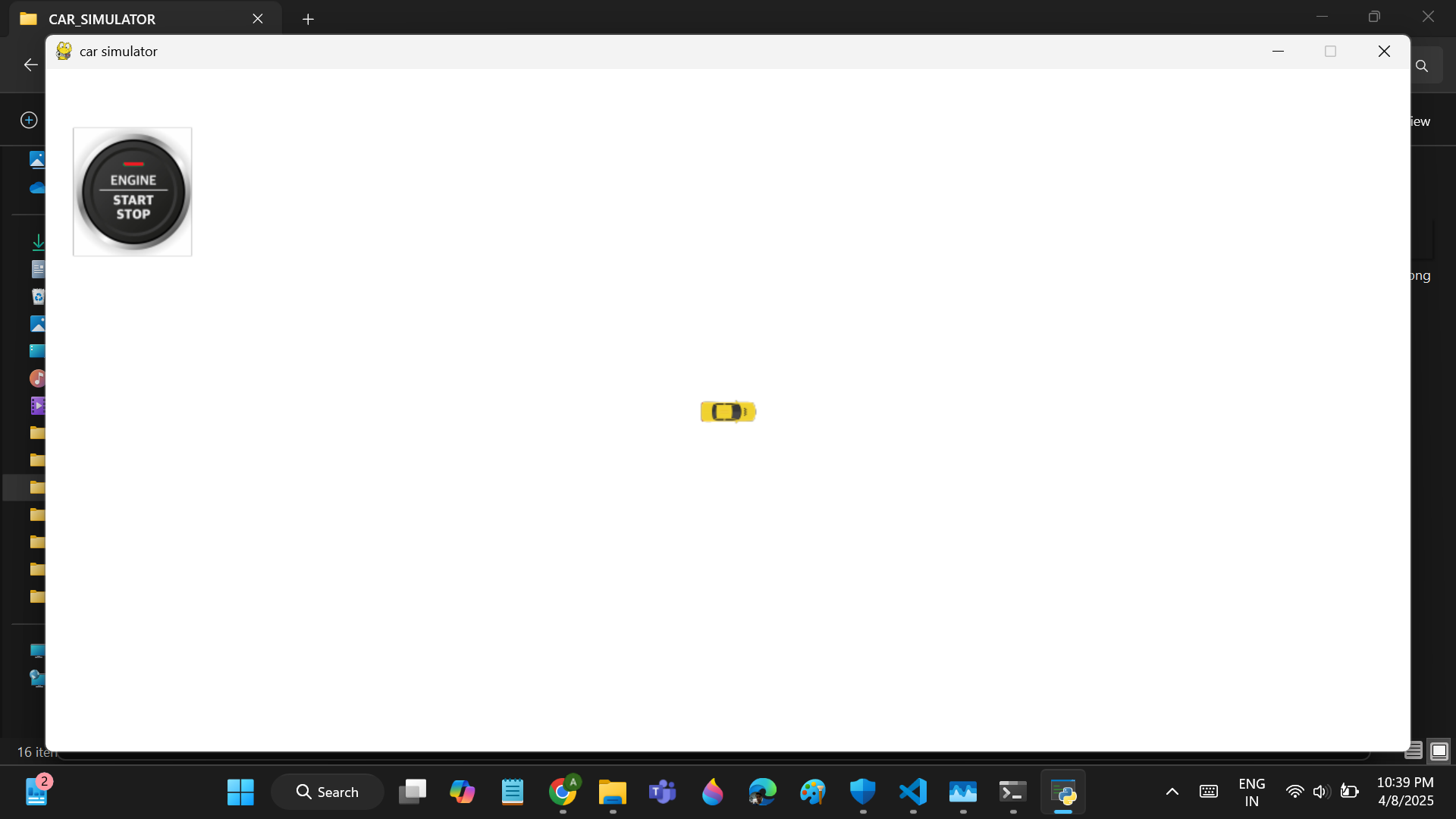
The controls are a bit clumsy 😅, so it’s easy to get confused. Try this: to start driving, press the Start/Stop button at the top left, then Shift + 1, and finally the Up arrow key.
If it still doesn’t work, after i fix it please let me know again, and I’ll look into it and fix it again.
— TorqueMind